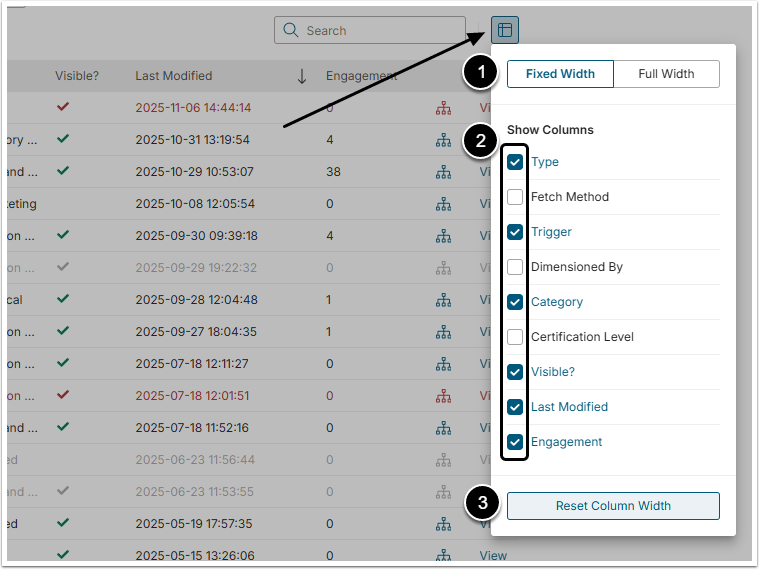
Metric Insights sometime packs a lot of information to a single display grid to allow full view of associated data. However, those can be easily modified to include only those columns of interest.
This article describes how to manage grids and tables in Metric Insights.
1. Sorting
Most columns can be sorted in ascending or descending order.
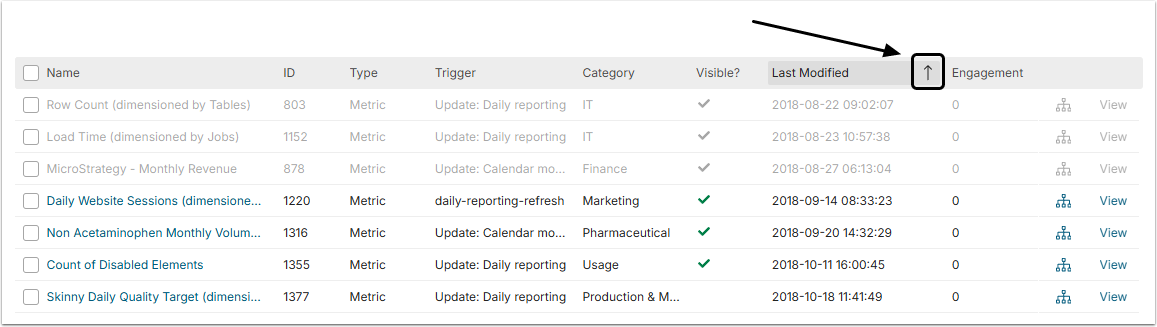
Arrow up icon means the order is descending (from latest to earliest) and the arrow down icon means the order is ascending (from earliest to latest). The order can be changed by clicking the arrow icon.
2. Width of the Columns
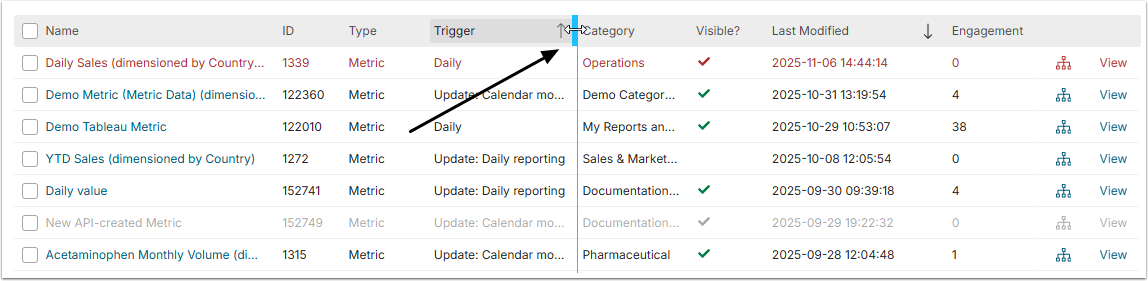
Width of the columns can be adjusted via the slider bar.