A Favorites Digest is an email that the system sends you on a regular basis with updates to those Elements that have been included in your Favorites folder. Before requesting a 'Favorites Digests', you have to place one or more tiles in your personal Favorites folder.
For more information on Favorites, see: Favorites Overview.
After defining your Favorites, you can request an email notification be sent to you on a scheduled basis containing all those Elements which have changed.
Below is an example of the structure and type of information that you'll see in a Favorites Digests. To request a digest see Requesting a 'Daily' Favorites Digest.
NOTE: Your company may have customized Digest templates, so the format may not be exactly as show below.
Example Using the Default Template (Favorites with Headlines)
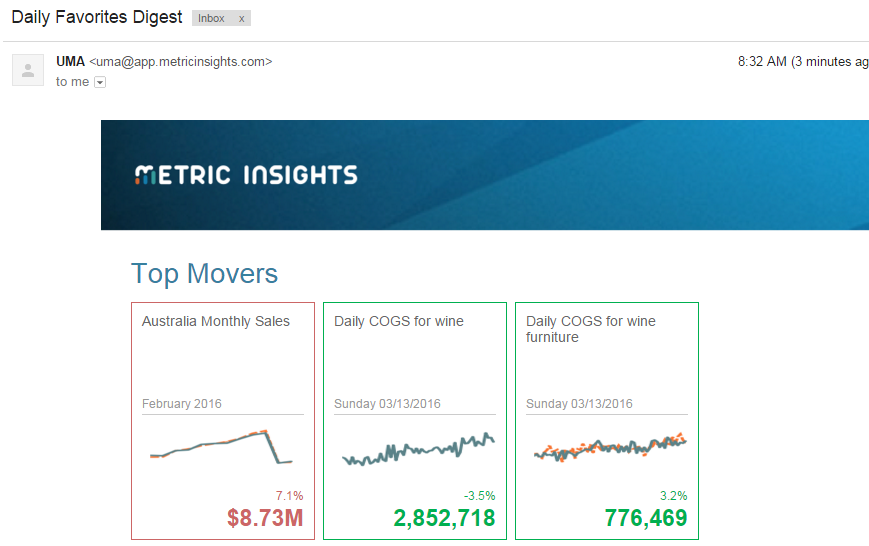
In this template, the most active Elements will be highlighted in the Top Mover section.
Separate Sections for Each Favorites Folder
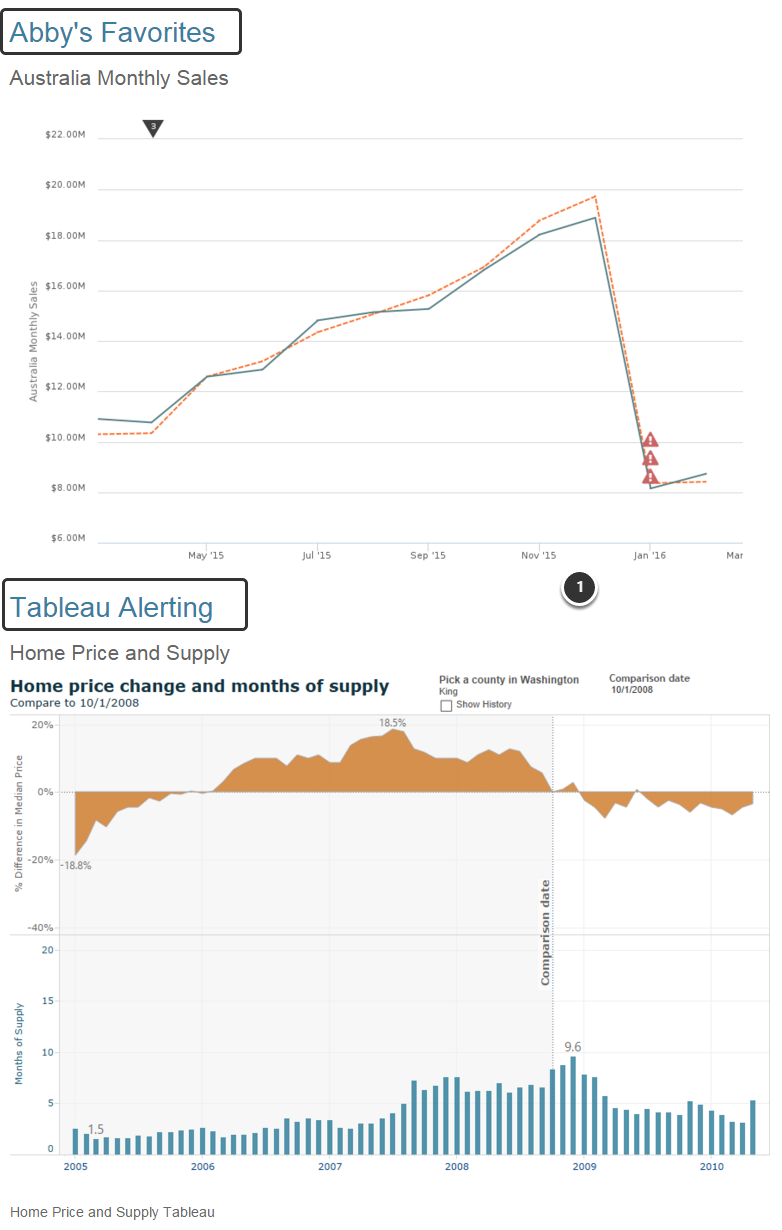
If you have requested multiple folders in one consolidated digest, each section will be broken out by Favorites folder. This example shows 2 Favorites Digests: "Abby's Favorites" and "Tableau Alerting".
The 'Body' of the Digest Contains a Chart View and Links
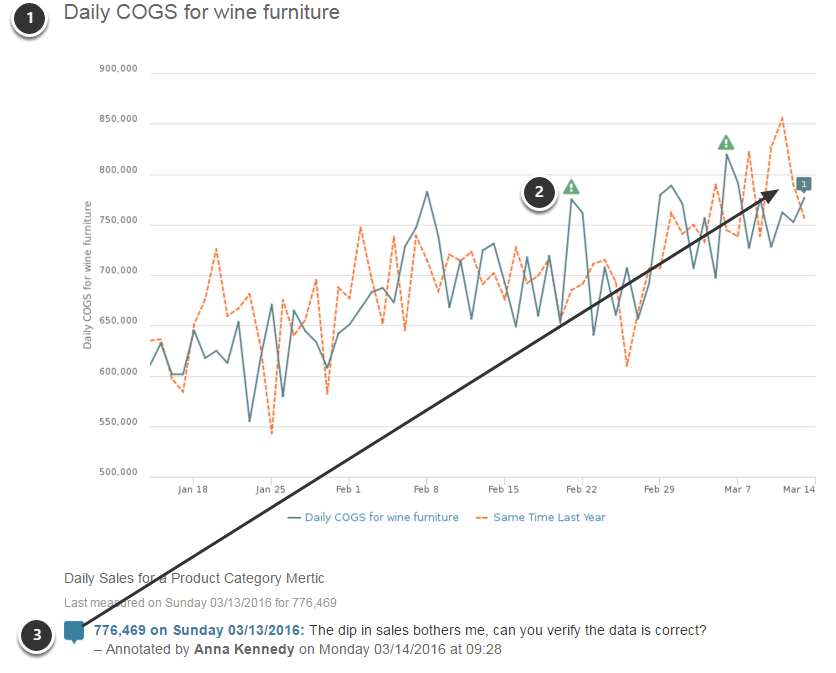
- Title of Chart is a link to 'live' version.
- Alerts and Annotations will appear as they do on 'live' chart.
- Contents of Annotations will appear below the chart image.
External Reports with Multiple Links
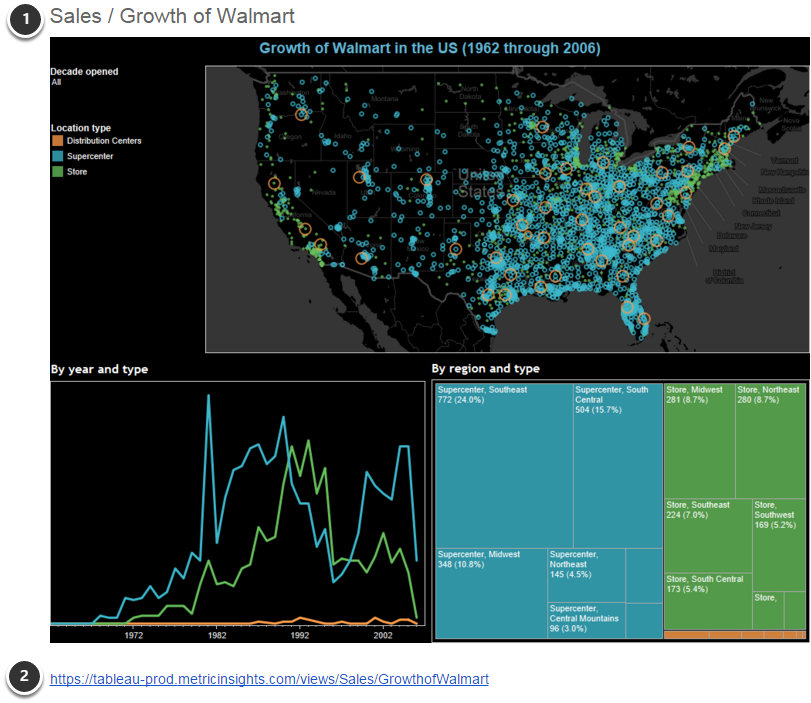
- Links to image in Metric Insights (will contain alert and annotation information).
- Links to source dashboard.
Unsubscribe from the Digest
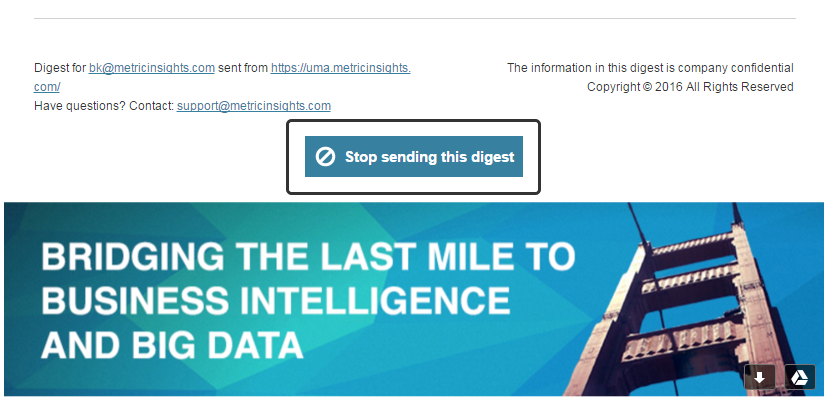
This link will be at the bottom of the Digest.