You can identify when a user clicks on a link from a Metric Insights email and logs into a third-party application like Tableau or QlikView. When you click on a link from a Metric Insights email, the system logs user ID, time, and Element (among other items) in the database. This is logged even when users click on a link to an external application.
Tracking Setting
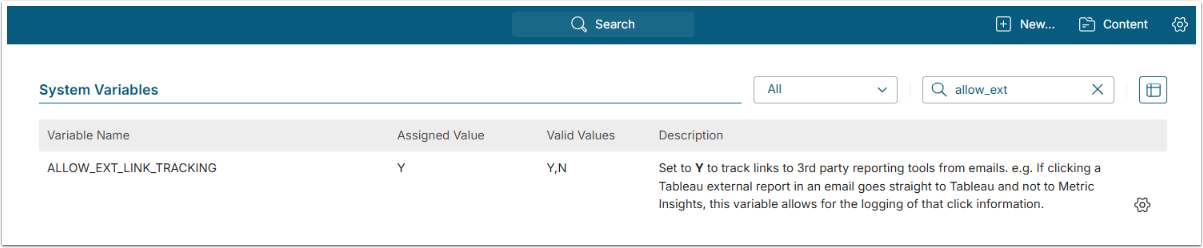
NOTE: See Setting System Variables for details on System Variables configuration.
Tracking is enabled by default.
- If you want to turn tracking off, set ALLOW_EXT_LINK_TRACKING to "N"
- [Commit Changes]
Where Is Data Stored?
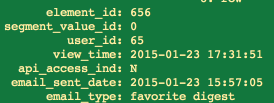
The data is stored in the dashboard_element_view_log_detail table in the dashboard database.
Reporting

You can then build Datasets using the table. For example, to get this sample above use:
select username,name,e. element_id, view_time from dashboard_element e, user u, dashboard_element_view_log_detail d where u.user_id=d.user_id and e.element_id=d.element_id NOTE: The system records unique clicks on an Element within a 15-minute window. Multiple clicks on the same link during this period are counted as a single interaction. Any click occurring after the 15-minute window expires is recorded as a new unique click.