There are cases, when Objects have to be migrated to the other instance without their dependencies. In those cases Users can activate Strict Mode during Export.
Access Admin > Utilities > Import / Export and click [+ New Custom Export]
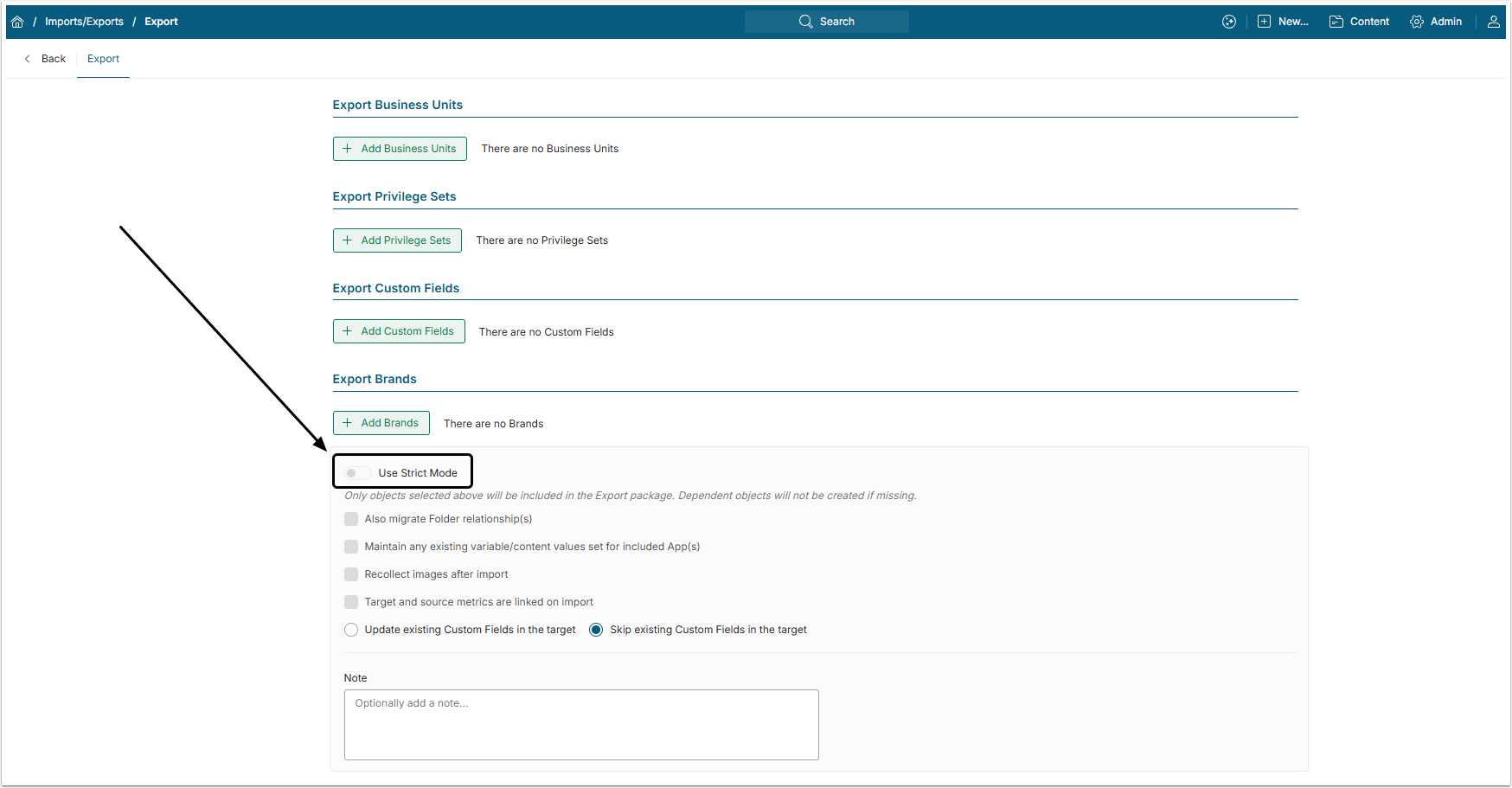
At the bottom of the page there is a Use Strict Mode toggle switch.
In Strict Mode, only those Objects that Users have chosen for export will be migrated. No connected Objects (like Elements, added to the Burst or Elements added to the Folder) will be created or updated on the target instance if not specifically chosen for export.
Dependencies to Objects that are not available for migration (such as Categories) are not affected by Strict Mode. For example, if the Category an Element belongs to does not exist on the target instance, it will be created during the Element’s migration — even when Strict Mode is enabled. If the Category already exists, it will be updated during the migration as well, regardless of Strict Mode.